Mastering Pet Safety: The Ultimate Guide to Setting Up Safe Zones
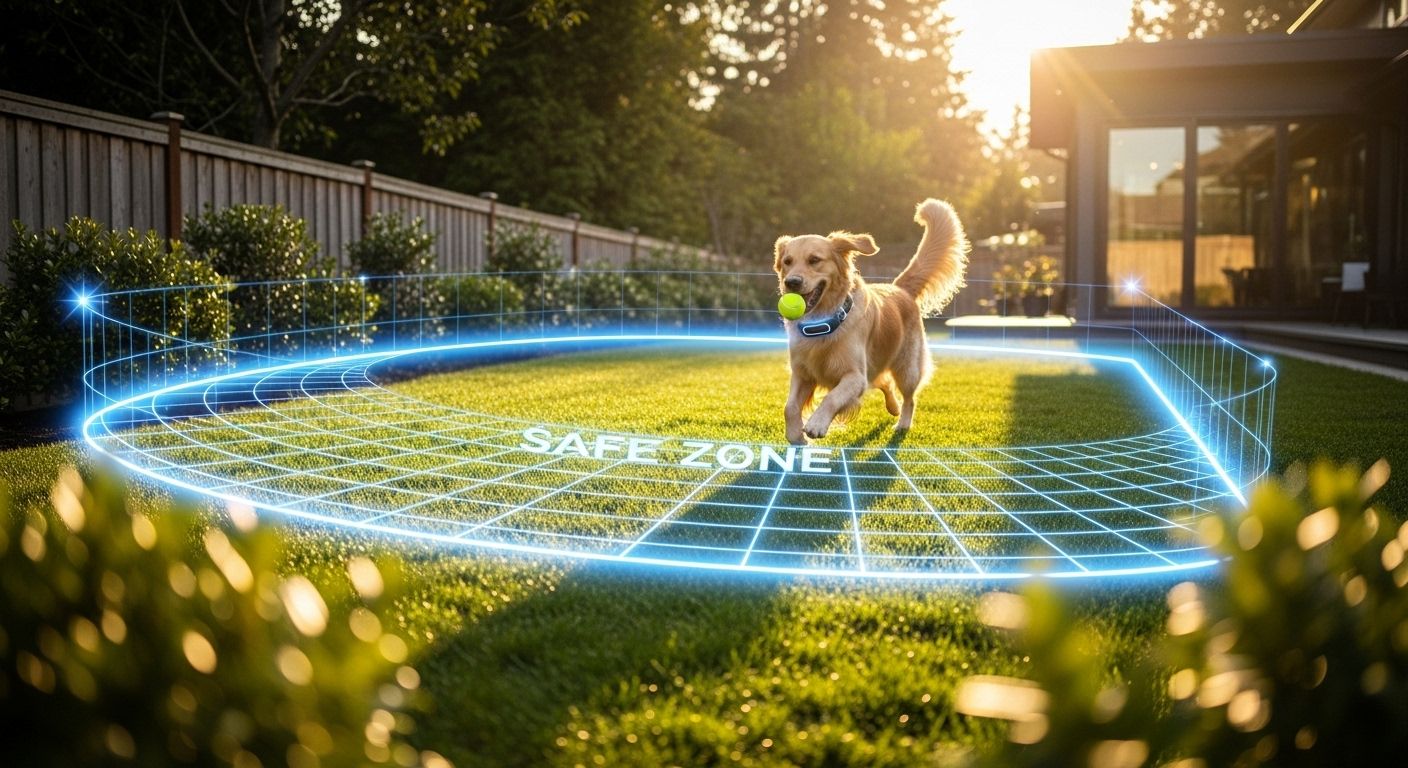
For every pet owner, the safety of their furry companion is a top priority. In an era where technology seamlessly integrates into our daily lives, the advent of pet GPS trackers has revolutionized how we monitor our pets' movements. One of the most critical features of these devices is the ability to create Safe Zones, also known as geofences. These virtual boundaries provide an invisible safety net, ensuring that you are immediately notified if your pet wanders beyond a designated area.
Setting up these zones correctly is not just about drawing a circle on a map; it requires an understanding of how GPS technology interacts with your local environment, the nuances of your specific device's software, and the behavioral patterns of your pet. In this comprehensive guide, we will delve deep into the mechanics of safe zones, providing you with a step-by-step roadmap to maximizing your pet's security while minimizing the annoyance of false alerts.
What Exactly is a GPS Safe Zone?
A Safe Zone is a virtual geographic boundary defined by GPS or Wi-Fi signals. When your pet's tracker crosses this boundary, the system triggers an automated alert sent directly to your smartphone. This technology relies on a combination of Global Navigation Satellite Systems (GNSS), cellular data, and sometimes local Wi-Fi networks to determine the precise location of the tracker in real-time.
- Geofencing: The technical term for creating a virtual perimeter.
- Proactive Security: Unlike reactive tracking (searching after a pet is lost), safe zones offer proactive alerts.
- Customization: Most modern trackers allow for multiple zones, such as 'Home,' 'Office,' or 'Grandma’s House.'
Understanding the distinction between different types of boundaries is essential. Some trackers offer simple circular radiuses, while more advanced models allow for polygonal shapes that can follow the exact property lines of your yard. Choosing the right shape is the first step in creating a reliable safety system.
Step-by-Step: How to Configure Your First Safe Zone
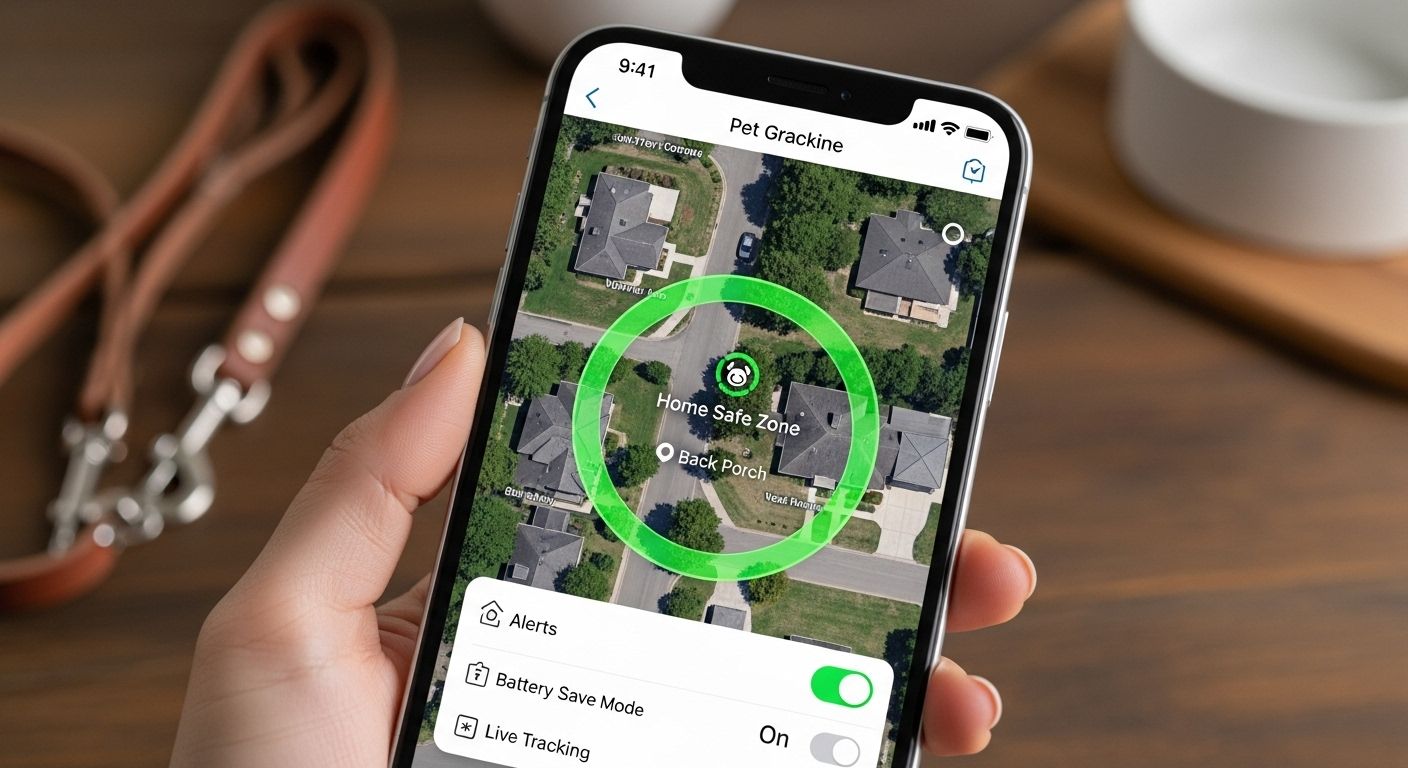
While every app is slightly different, the core process for setting up a safe zone remains consistent across major brands like Tractive, Fi, and Whistle. Follow these steps to ensure a robust setup:
- Initial Calibration: Before setting a zone, ensure your tracker has a clear view of the sky to calibrate its GPS sensors. This prevents 'initialization drift' where the device thinks it is further away than it actually is.
- Select 'Add Zone': Navigate to the settings or map section of your pet tracking app and look for the option to create a new virtual fence.
- Define the Center Point: Usually, this will default to your current location. Ensure the pin is placed exactly in the center of your pet's primary roaming area.
- Adjust the Radius: Most experts recommend a minimum radius of 30 to 50 meters. Setting a zone too small (e.g., 10 meters) often leads to false alarms due to natural GPS signal variance.
- Choose the Alert Type: Decide if you want push notifications, SMS alerts, or emails. For most users, push notifications are the fastest and most effective.
- Name Your Zone: Labeling zones like 'Home,' 'Park,' or 'Daycare' helps you immediately identify where the breach occurred.
Pro Tip: If your tracker supports Wi-Fi Safe Zones, always set this up. By linking the tracker to your home Wi-Fi, the device can 'sleep' its GPS radio while it detects the Wi-Fi signal, significantly extending battery life and eliminating indoor GPS drift.
The Challenge of GPS Drift and Interference
One of the most common frustrations for pet owners is the 'false escape' alert. This usually happens because of GPS drift. GPS signals are relatively weak and can be reflected or blocked by tall buildings, heavy tree canopies, or even thick roofing materials. When these signals 'bounce,' the tracker may calculate a position that is dozens of meters away from the pet's actual location.
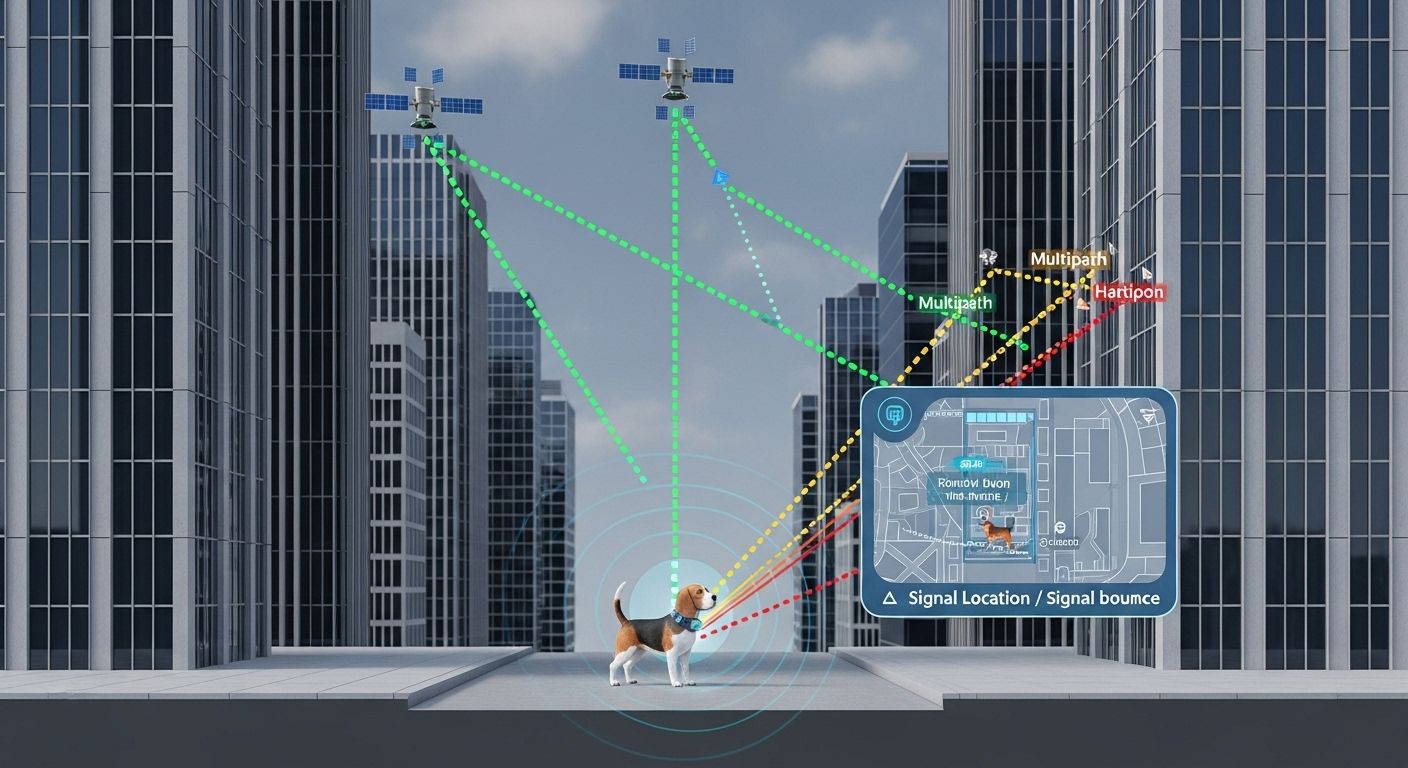
To combat drift, consider the 'Buffer Zone' strategy. If your physical fence is at 20 meters, set your digital safe zone at 30 meters. This extra 10-meter cushion accounts for signal inaccuracies and ensures that when you get an alert, it is much more likely to be a genuine escape rather than a technical glitch.
Optimizing Battery Life While Maintaining Security
There is a constant trade-off in the world of pet trackers: Frequency vs. Longevity. A tracker that updates every 2 seconds will find your pet instantly but might die in 6 hours. Conversely, a tracker that updates every 30 minutes will last weeks but is useless in an emergency.
Safe zones are the secret weapon for battery management. Most trackers use a low-power mode while the pet is inside a safe zone, only ramping up to 'Live Tracking' once the boundary is breached. This ensures the battery lasts for days or even weeks, yet provides full power exactly when you need it most.
Advanced Feature: Power Saving Zones
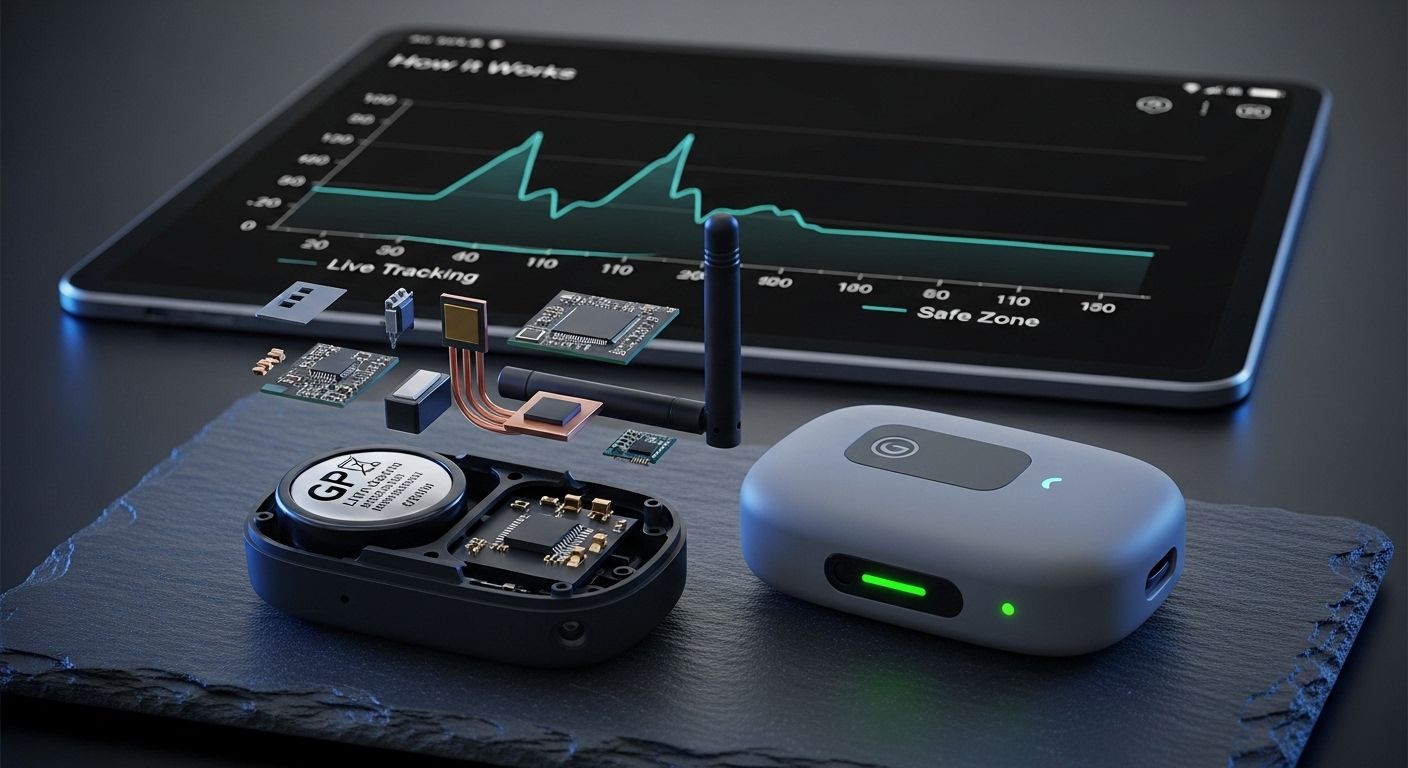
Many premium trackers now offer Power Saving Zones. These are specific areas (usually centered around your home Wi-Fi) where the tracker essentially turns off its GPS and cellular radios. It 'trusts' that as long as it can see your Wi-Fi router, the pet is safe. This can extend battery life by up to 10x, making it a must-use feature for any owner who doesn't want to charge the device every night.
Real-World Scenarios: Beyond the Backyard
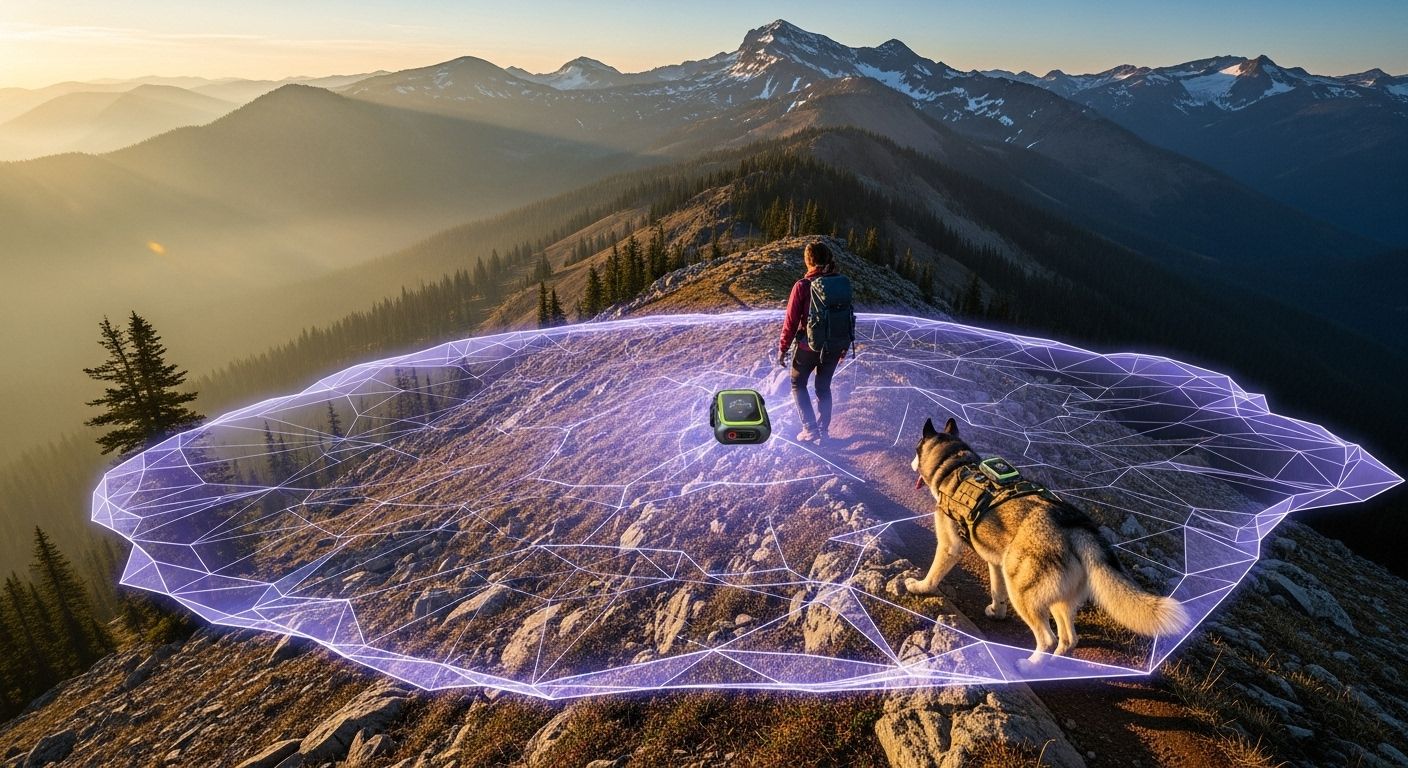
Safe zones aren't just for your home. Their true value shines when you are away from your normal routine. Whether you are traveling, visiting friends, or staying at a campsite, temporary safe zones provide an extra layer of protection in unfamiliar territory.
Traveling with Your Pet
When you arrive at a new location, such as an Airbnb or a relative's house, the first thing you should do is set up a Temporary Safe Zone. Because your pet is in an unfamiliar environment, they are more likely to be spooked or curious, increasing the risk of them running off. A temporary zone ensures that even if they slip out the door, you'll know within seconds.
- Daycare Zones: Set a zone around your pet's daycare center to confirm they arrived safely and haven't left before you pick them up.
- The 'Office' Zone: If you take your dog to work, a zone around the office building prevents them from wandering into busy city streets unnoticed.
- Vacation Boundaries: Always set a wider radius in rural areas where your pet might be tempted to chase wildlife over long distances.
Common Mistakes to Avoid
Even with the best technology, human error can undermine your pet's safety. Avoid these common pitfalls to ensure your safe zones work when they matter most:
- Setting Zones Too Tight: As mentioned, a 10-meter zone will likely trigger false alerts every time your pet goes near a window or under a metal roof.
- Ignoring Low Battery Alerts: A safe zone is useless if the device is dead. Always set your app to notify you when the tracker hits 20% battery.
- Forgetting to Update Firmware: Manufacturers frequently release updates that improve GPS accuracy and reduce drift. Keep your device software current.
- Over-reliance: A GPS tracker is a secondary safety measure. It should never replace a secure physical fence, a sturdy leash, or proper recall training.
Conclusion: Peace of Mind is Just a Few Taps Away
Setting up safe zones on your pet's GPS tracker is one of the most effective steps you can take to ensure their long-term safety. By understanding the technology, accounting for environmental factors like GPS drift, and utilizing power-saving features, you create a robust system that protects your pet without becoming a source of constant false alarms.
Remember, the goal of a safe zone isn't just to find a lost pet it's to prevent them from becoming lost in the first place. With a properly configured geofence, you can let your pet enjoy their freedom while you enjoy the ultimate peace of mind.
Ready to Secure Your Pet's Future?
Don't wait for an accident to happen. Open your tracking app today, review your current safe zones, and ensure they are optimized for your home and lifestyle. Your pet relies on you make sure you're using the best tools available to keep them safe.